How it works?
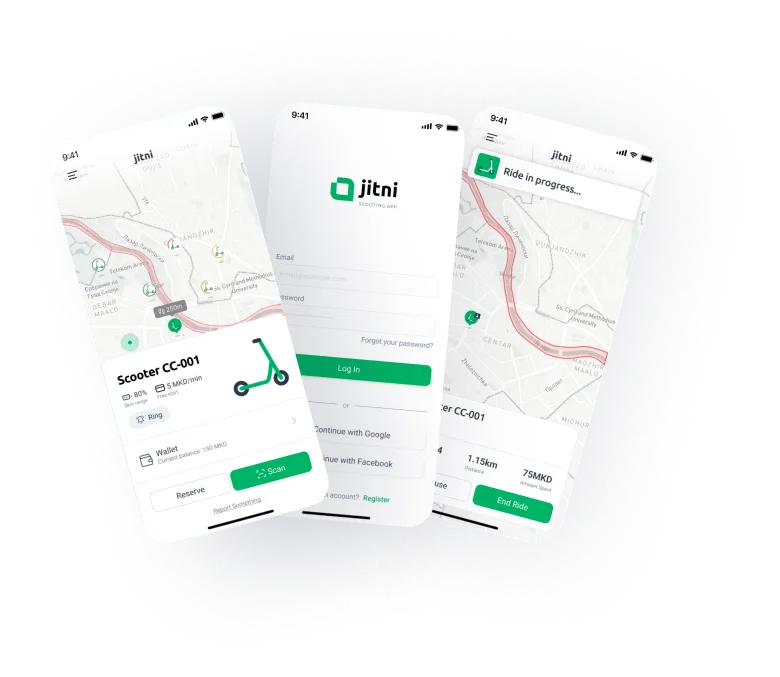
Welcome to the future of urban transportation! In the following section, you'll discover the seamless and intuitive flow of our app. This guide will walk you through every step of the process - from downloading the app to finding and unlocking a scooter, riding safely, and completing your rental.
Download the app
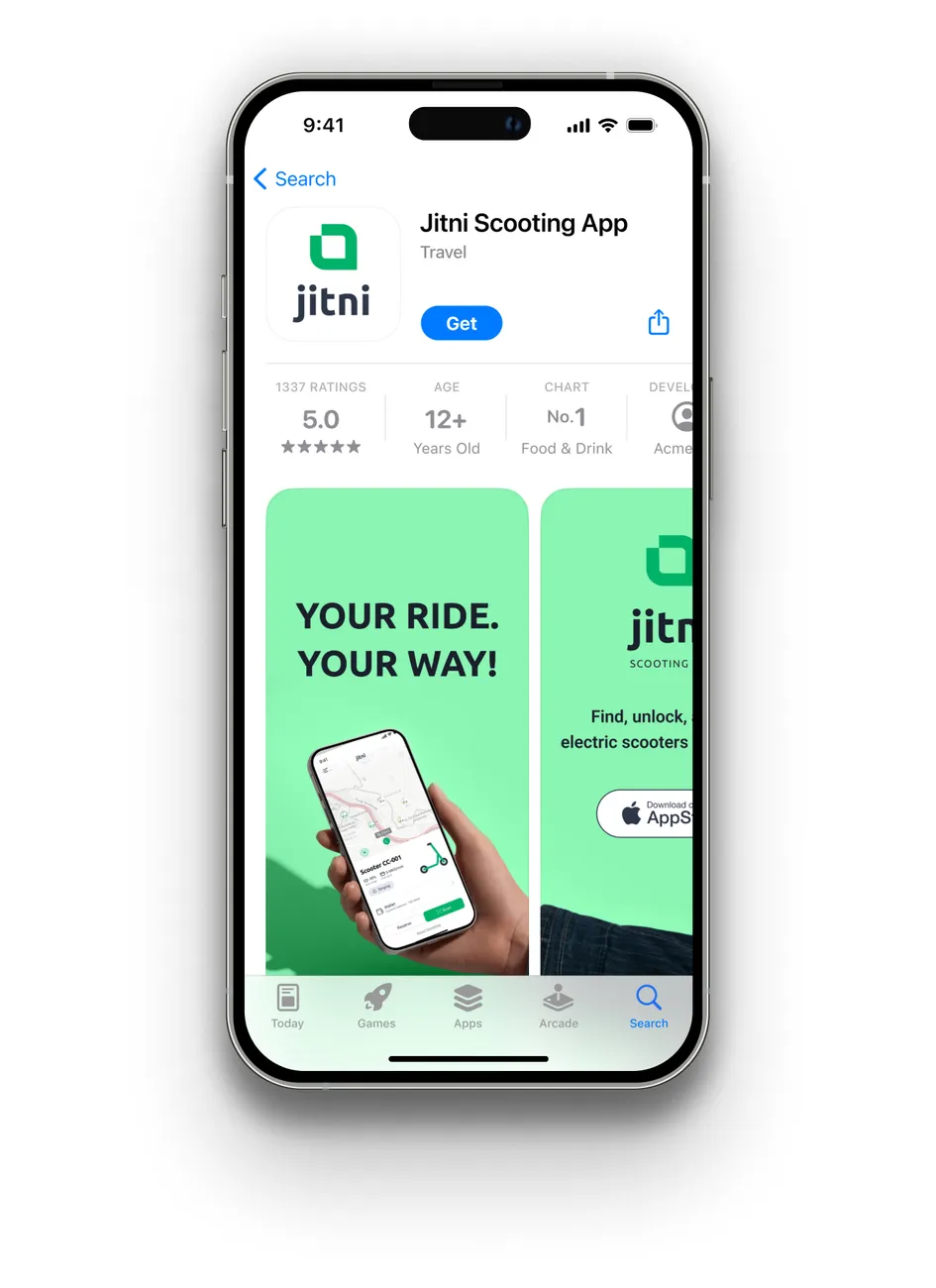
The first step is to download the app and create an account
Find a Jitni scooter and unlock it
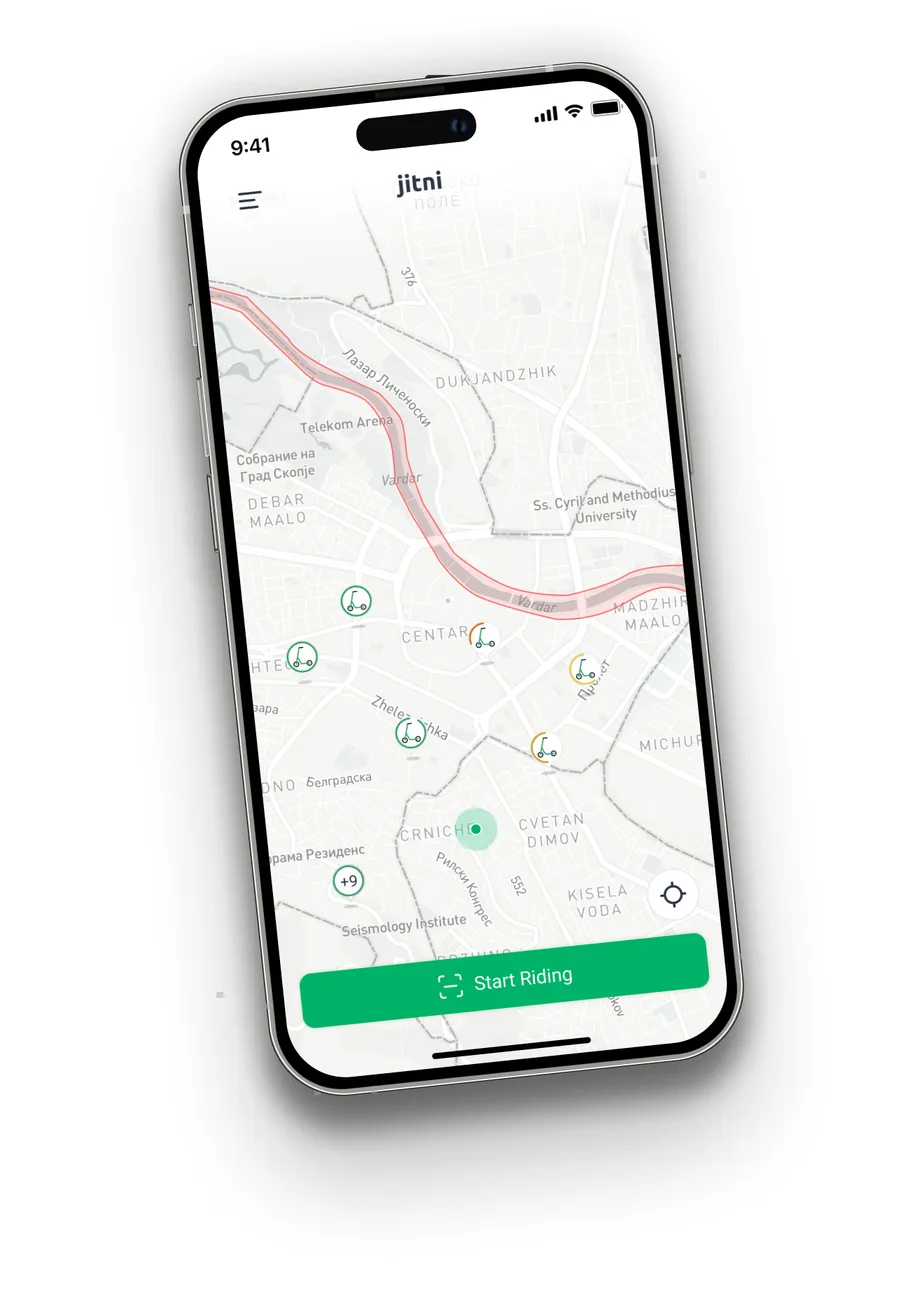
Find available scooters near your location and scan the QR code located on the scooter.
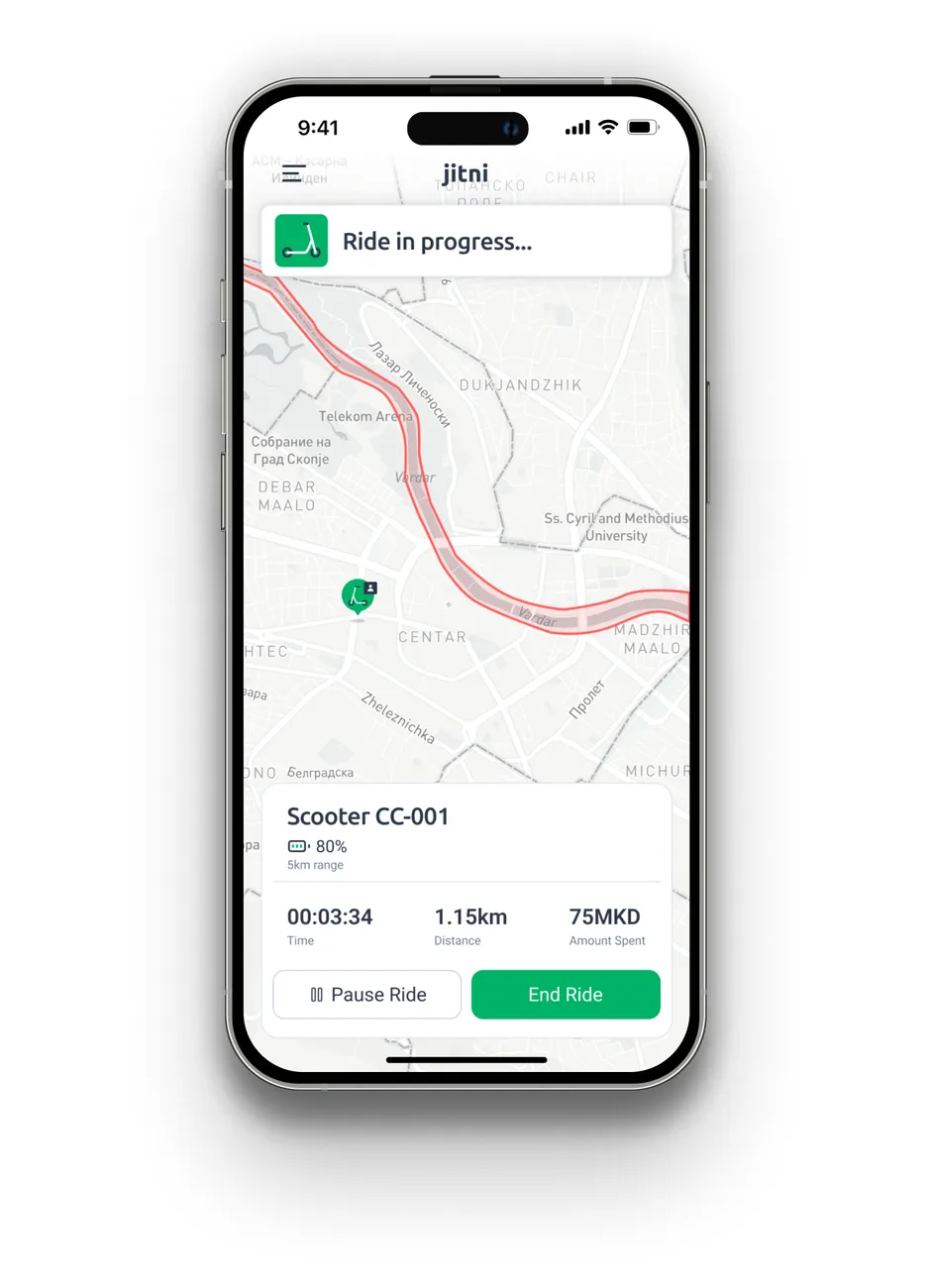
Start riding
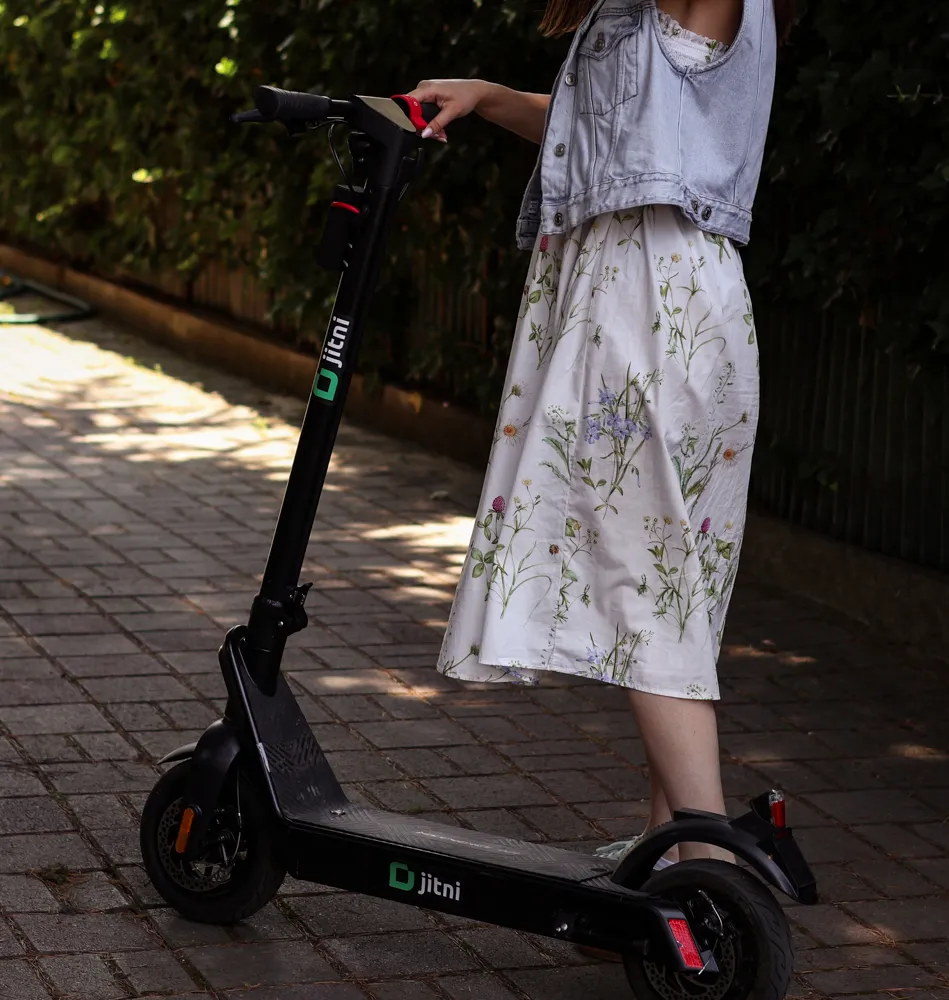
Once you unlock the scooter, lift the safety pedal and kick off with one foot while pressing the throttle gently to start the motor.
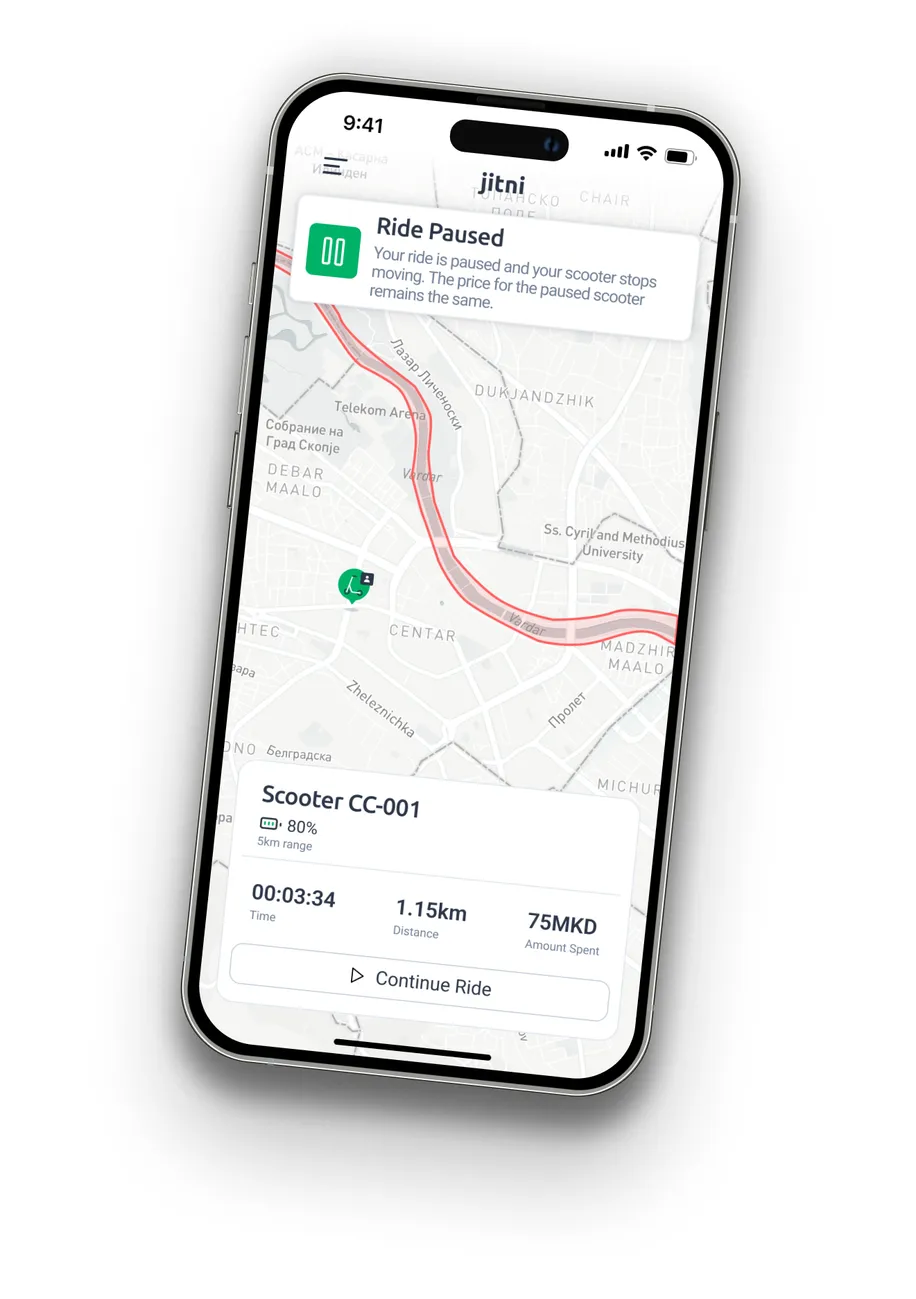
Pausing the Ride (Optional)
If you need to make a quick stop, use the app's "Lock" feature to temporarily lock the scooter while keeping your ride active. This prevents others from using it until you resume your ride.
Park the scooter
Find a safe and legal place to park the scooter. Avoid blocking sidewalks, driveways, or pedestrian paths.
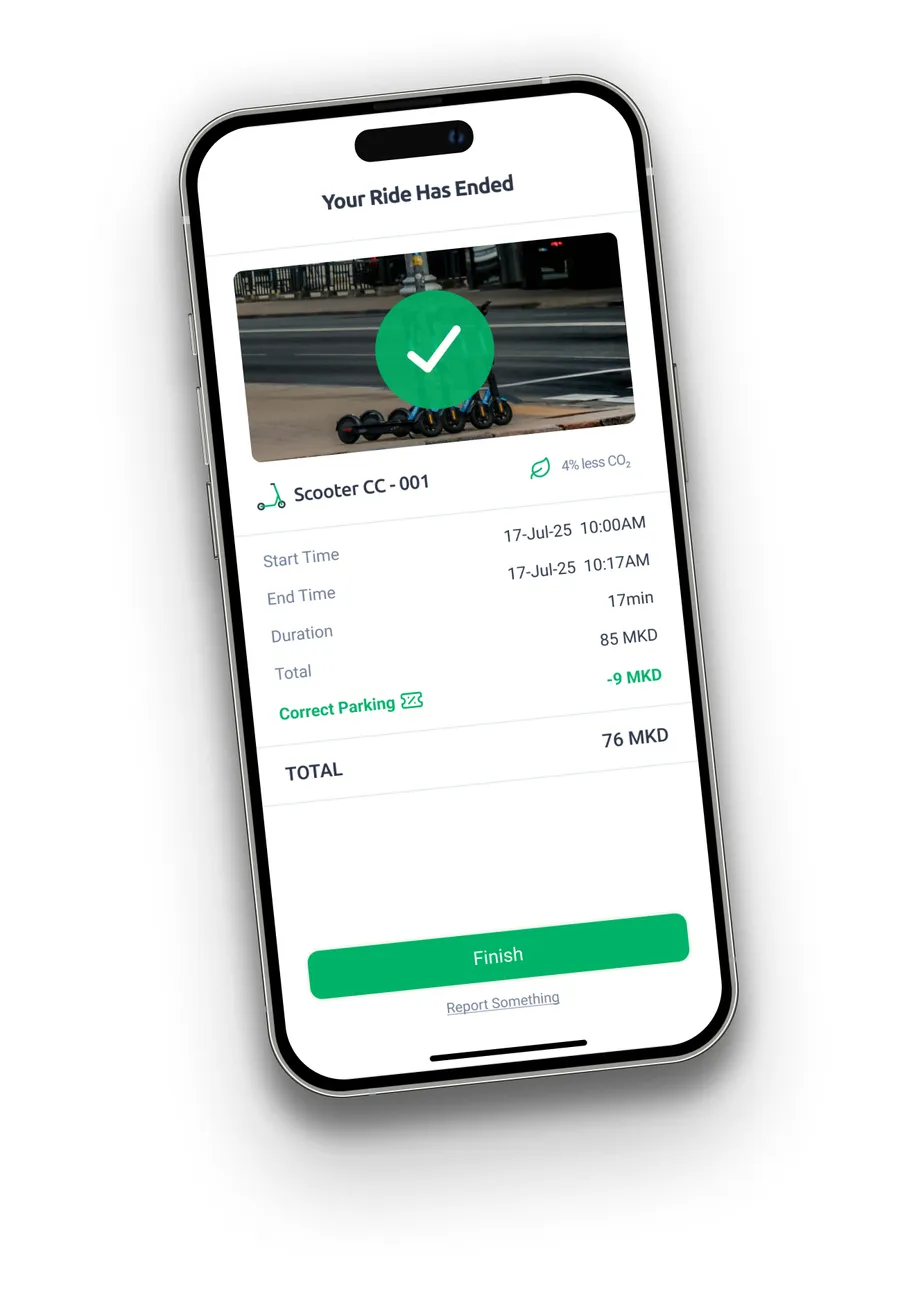
End your ride
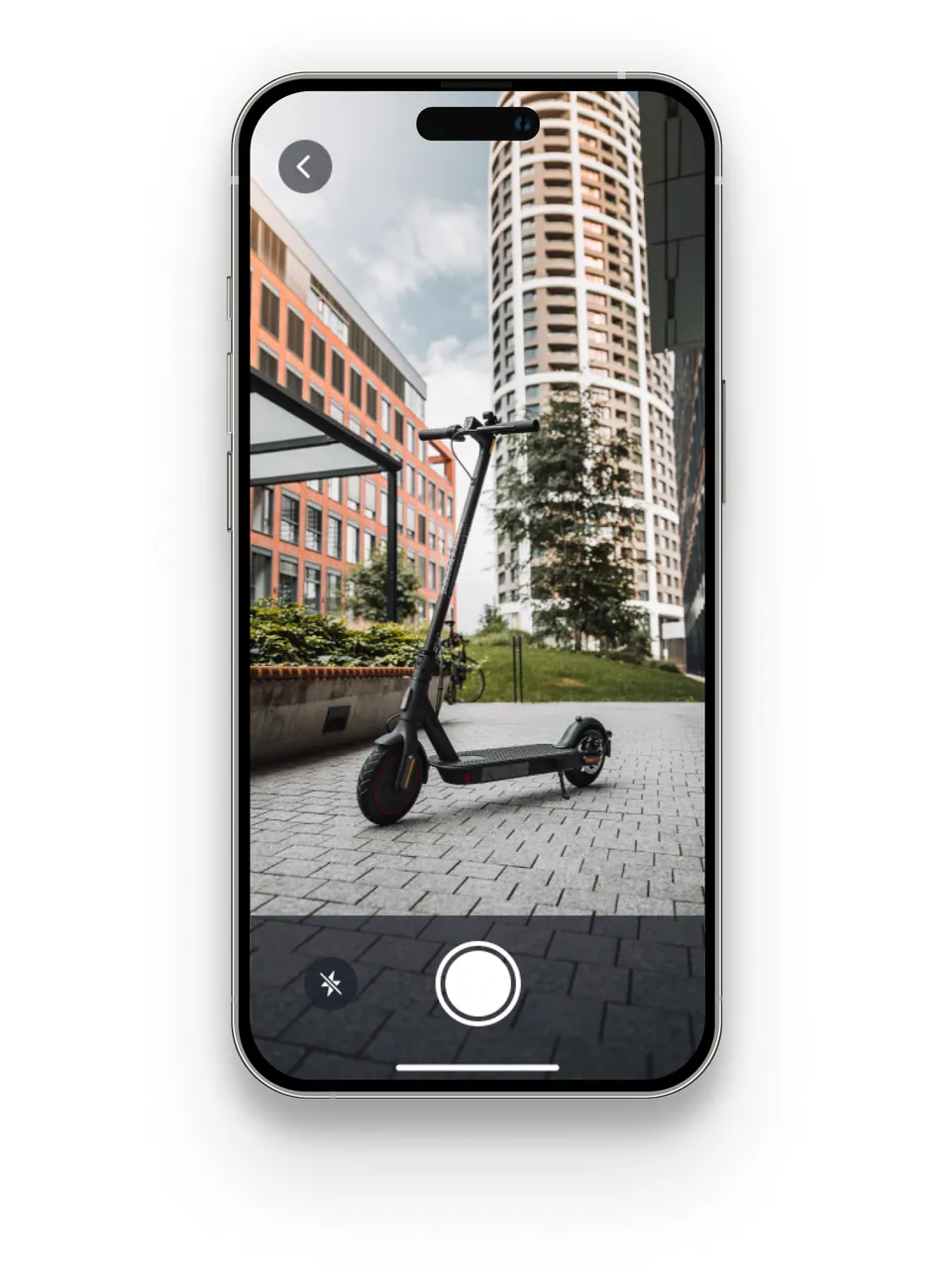
Open the app and tap the "End Ride" button. You need to take a photo of the parked scooter to confirm it's parked correctly.
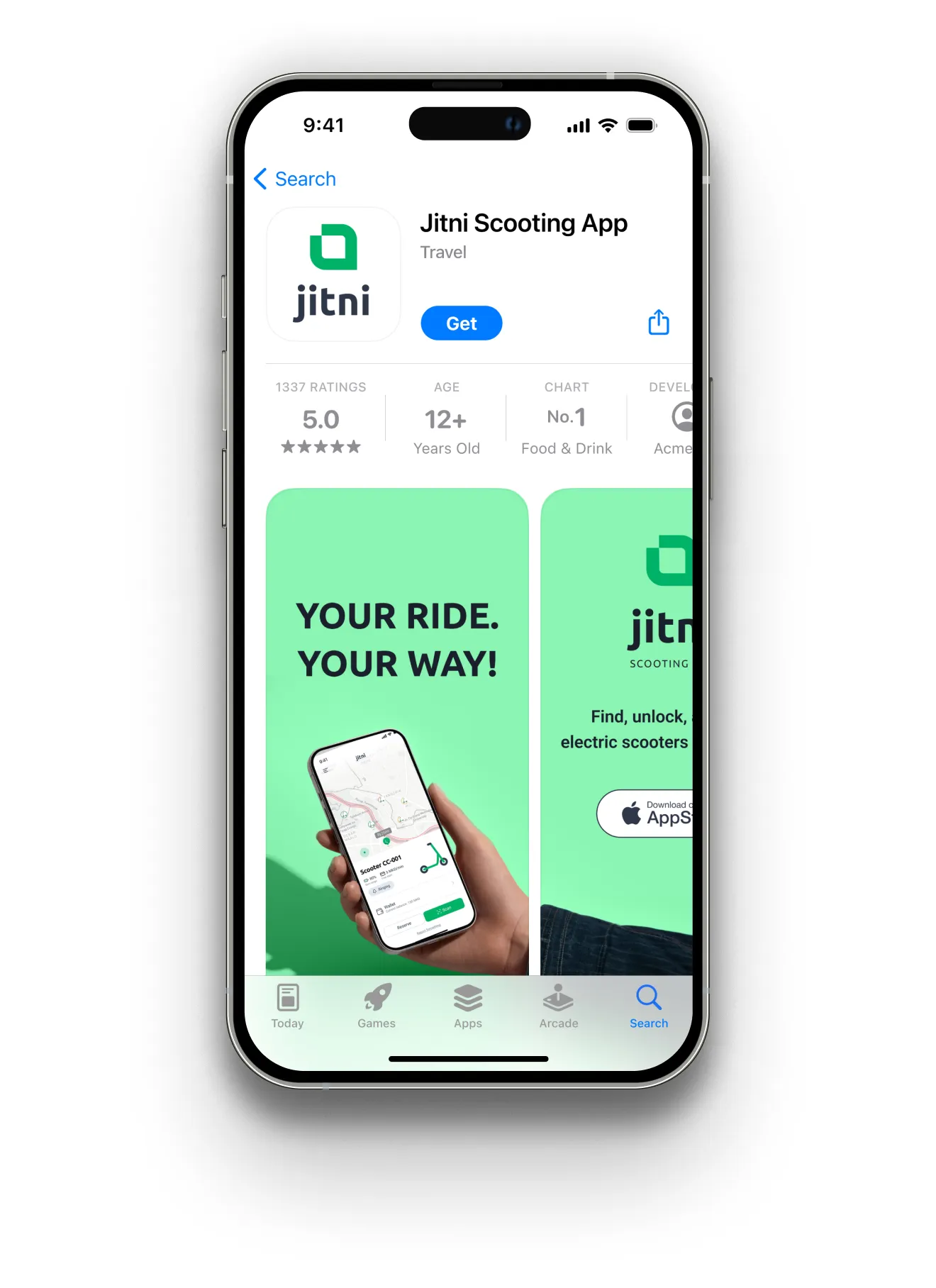
Download the app
The first step is to download the app and create an account
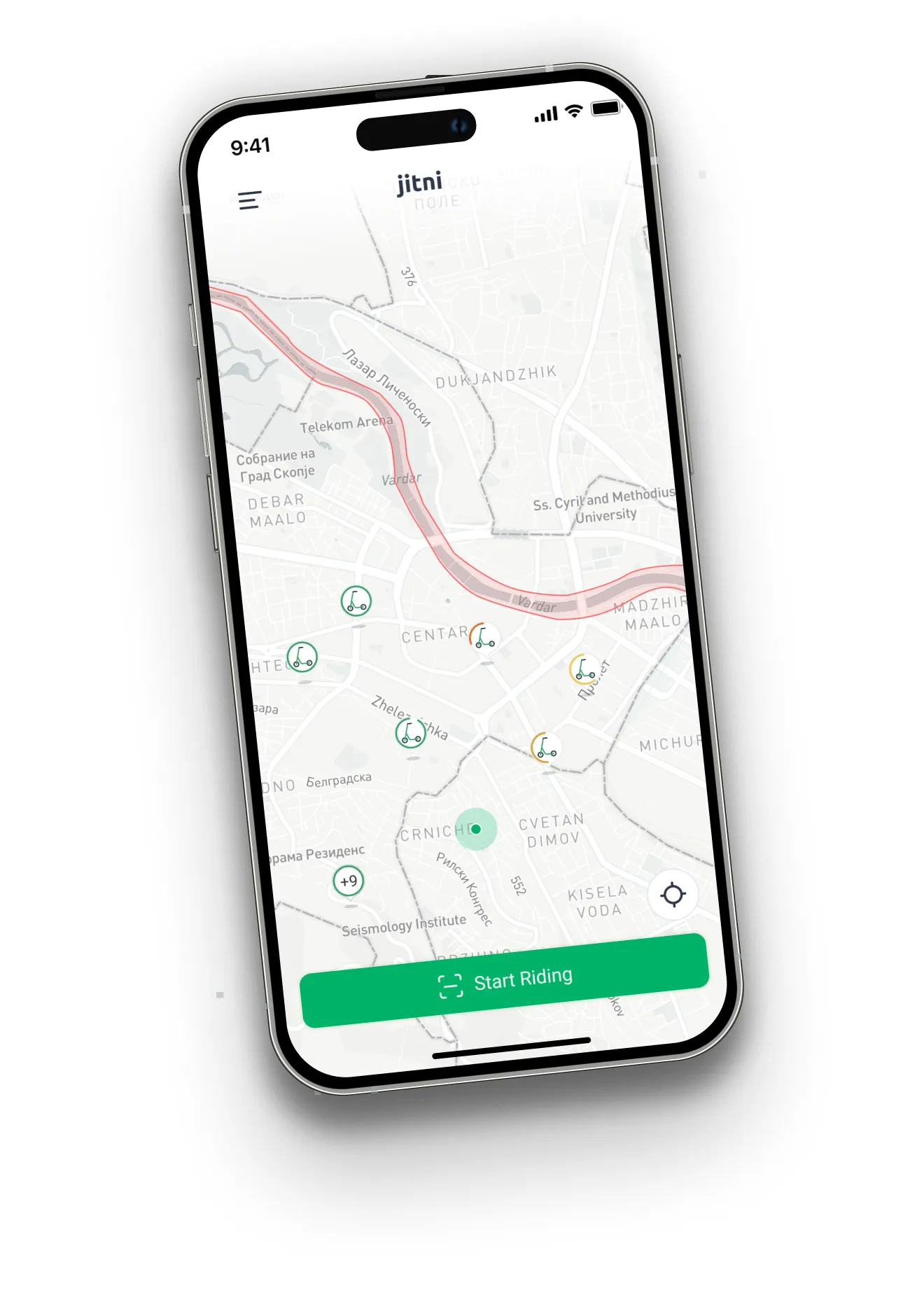
Find a Jitni scooter and unlock it
Find available scooters near your location and scan the QR code located on the scooter.
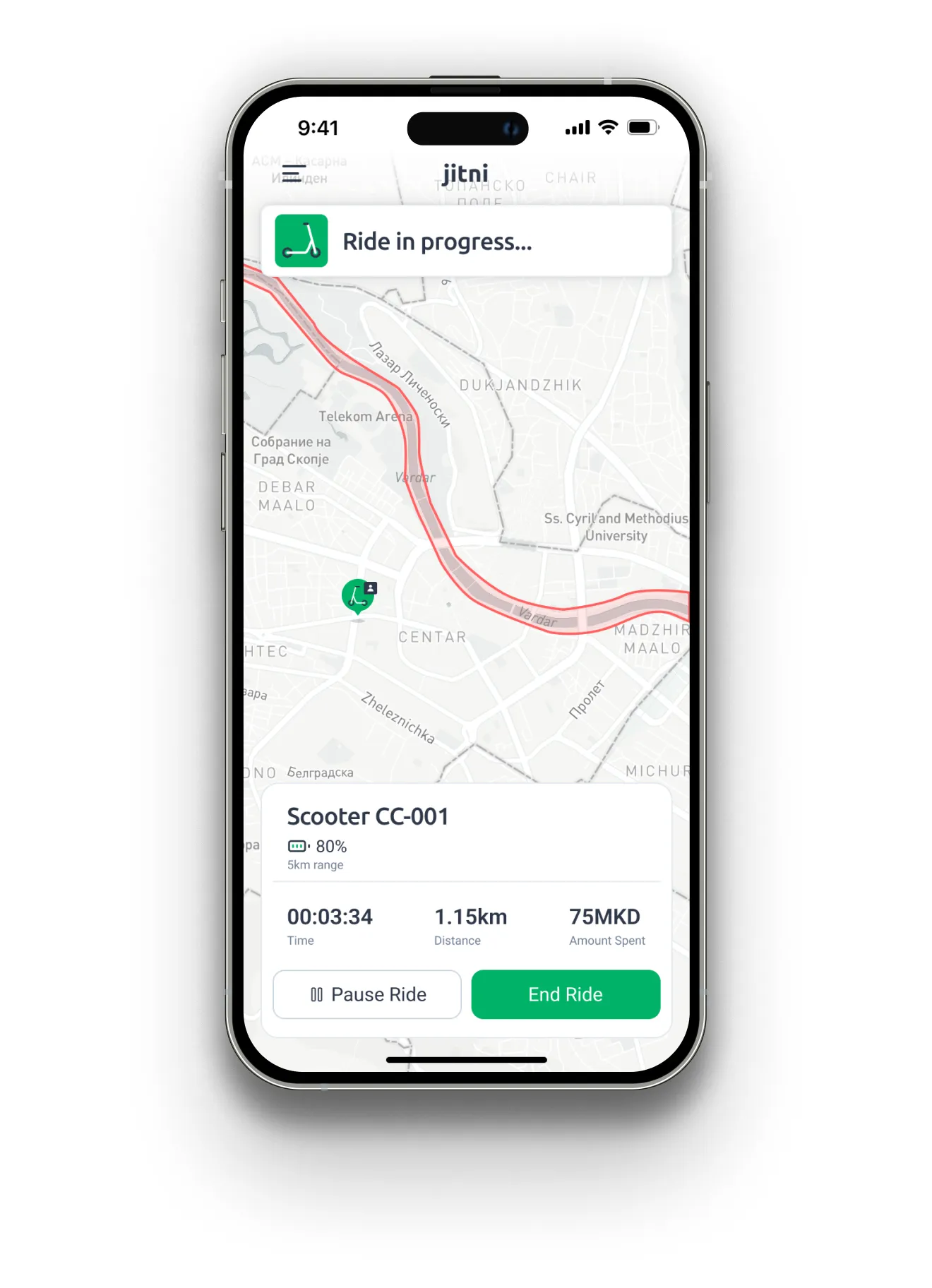
Start riding
Once you unlock the scooter, lift the safety pedal and kick off with one foot while pressing the throttle gently to start the motor.
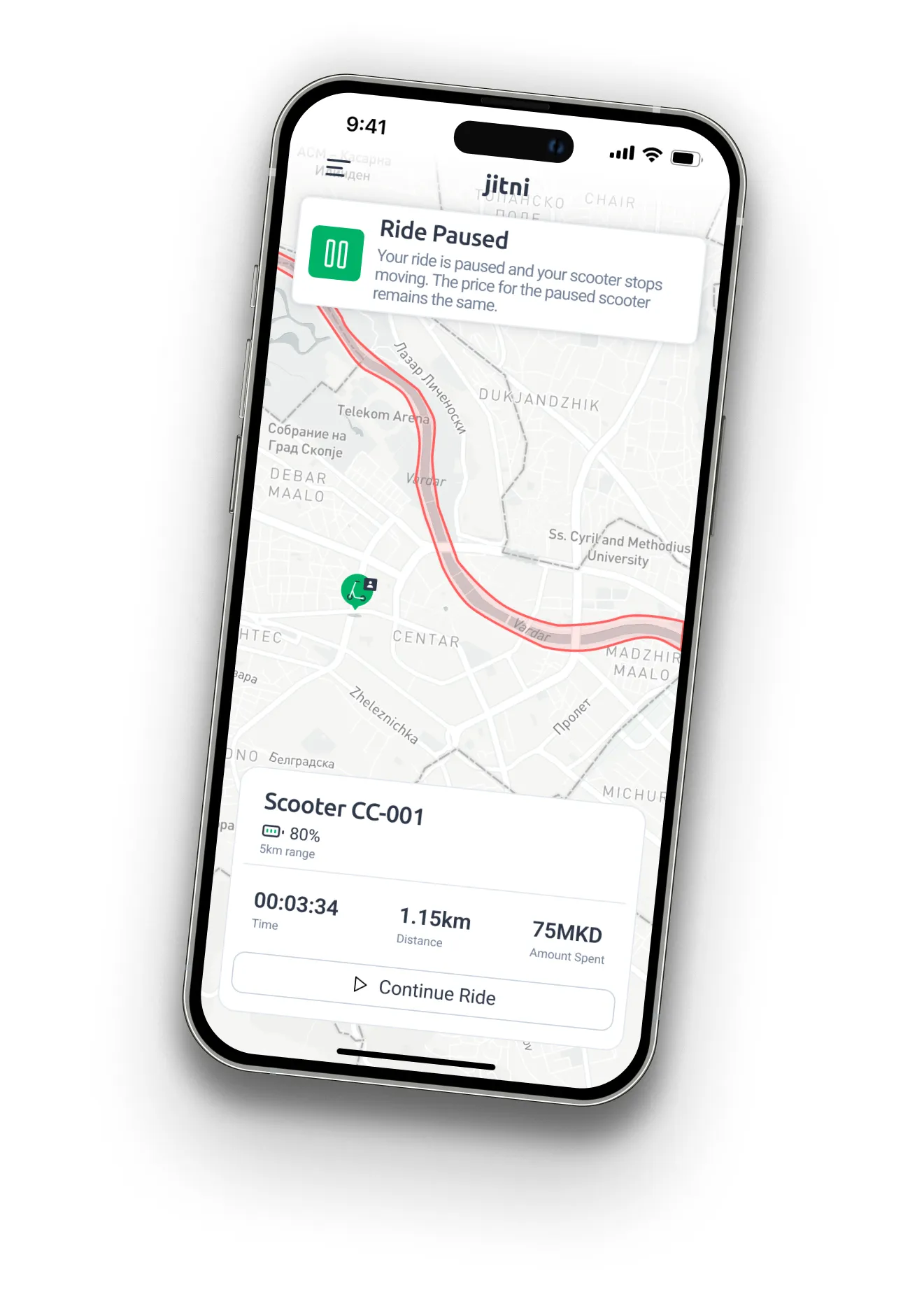
Pausing the Ride (Optional)
If you need to make a quick stop, use the app's "Lock" feature to temporarily lock the scooter while keeping your ride active. This prevents others from using it until you resume your ride.
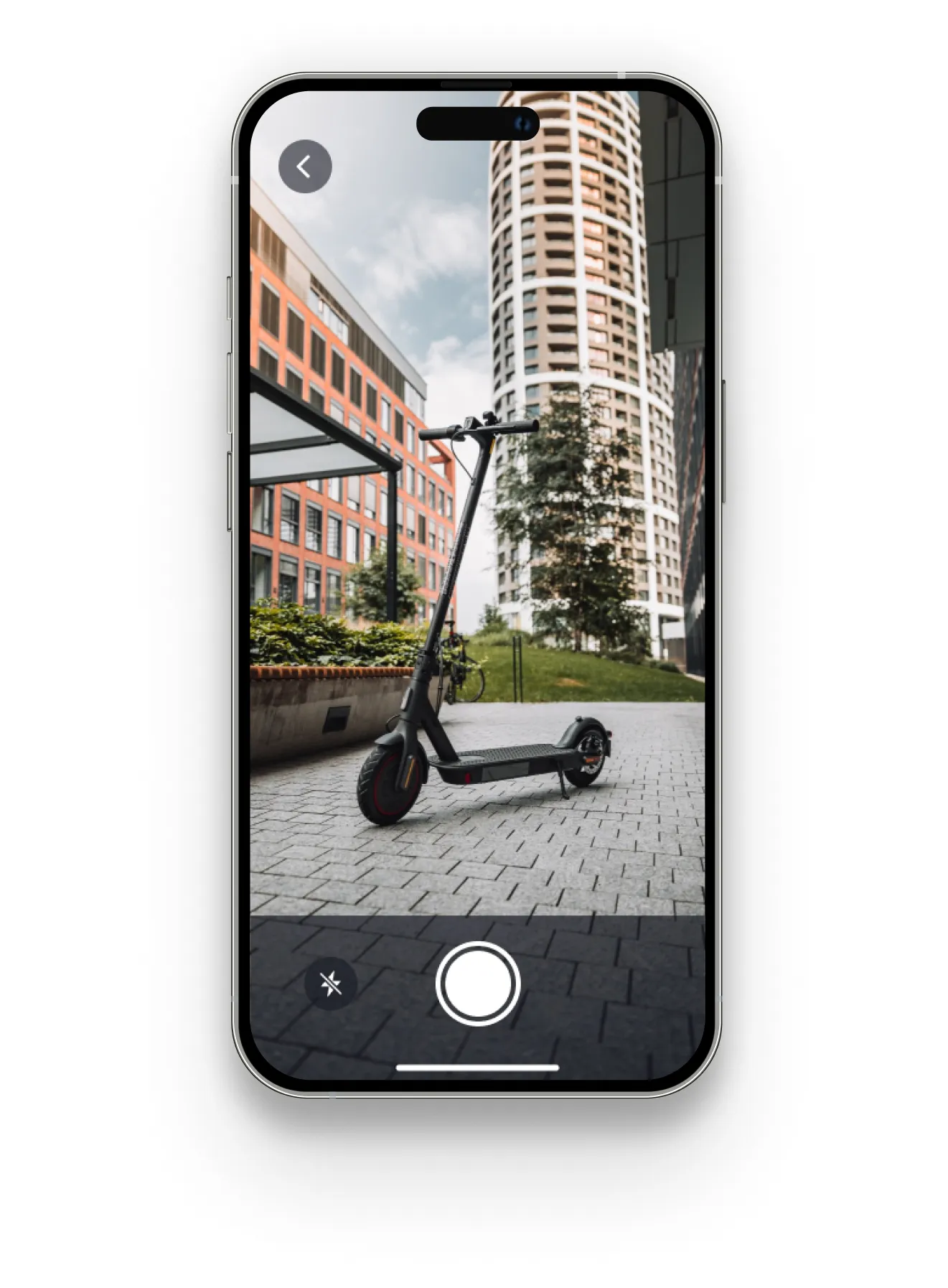
Park the scooter
Find a safe and legal place to park the scooter. Avoid blocking sidewalks, driveways, or pedestrian paths.
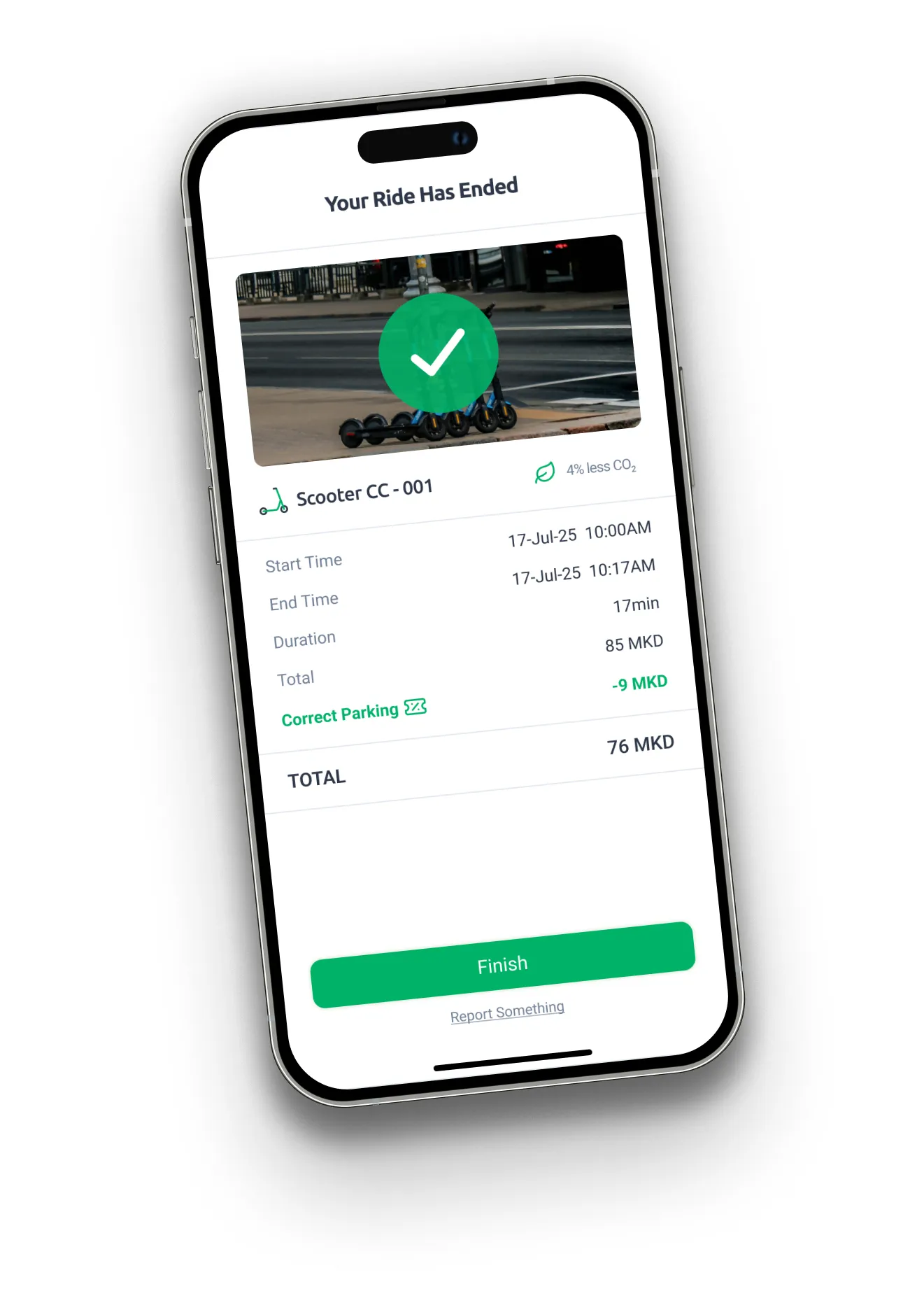
End your ride
Open the app and tap the "End Ride" button. You need to take a photo of the parked scooter to confirm it's parked correctly.
General scooter safety rules
Following the rules outlined in the rental scooting app ensures a safe and enjoyable experience for all users. By adhering to these guidelines, you can navigate the streets responsibly, minimizing the risk of accidents.

Wear a helmet
Wear a helmet while driving, be safe and responsible on the road.

Don't use your phone
Please keep your focus on navigating safely.

Ride solo
Do not put yourself and your friends in unnecessary danger. Always ride alone.

Follow the traffic rules
Please remember to follow all traffic signs and signals while riding your scooter.

Use bike lanes
Do not ride on pavements, use bike lanes when possible. Give way to pedestrians.

Park responsibly
Park your rented scooter to designated parking areas specified by the app.

Stay alert
Slow down before looking back or turning.

Don't drink and ride
Never ride scooters while drunk or intoxicated.

Inspect your scooter
Ensure that brakes, tires, and lights are all functioning properly before riding. Please report in case of damage.
Jitni Zones
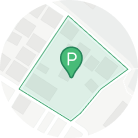
Parking Zone
By parking your scooter in the designated parking area, you'll be rewarded with Jitni credits.
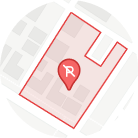
No Parking Zone
Don't park your scooter in unauthorised areas, marked with red on the map, doing that will result in penalties.
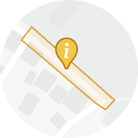
Information Zone
The zone marked with yellow consists an information for something, you can read it simply by clicking on it.
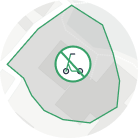
Restricted Zone
The Jitni Zone is the area outlined in green on the map, driving outside this border is not allowed.
Parking Zone
Drive carefully and by parking it in designated area, you'll be awarded with Jitni credits.
No Parking Zone
Don't park your scooter in unauthorised areas, marked with red on the map, doing that will result in penalties.
Information Zone
The zone marked with yellow consists an information for something, you can read it simply by clicking on it.
Restricted Zone
The Jitni Zone is the area outlined in green on the map, driving outside this border is not allowed.